
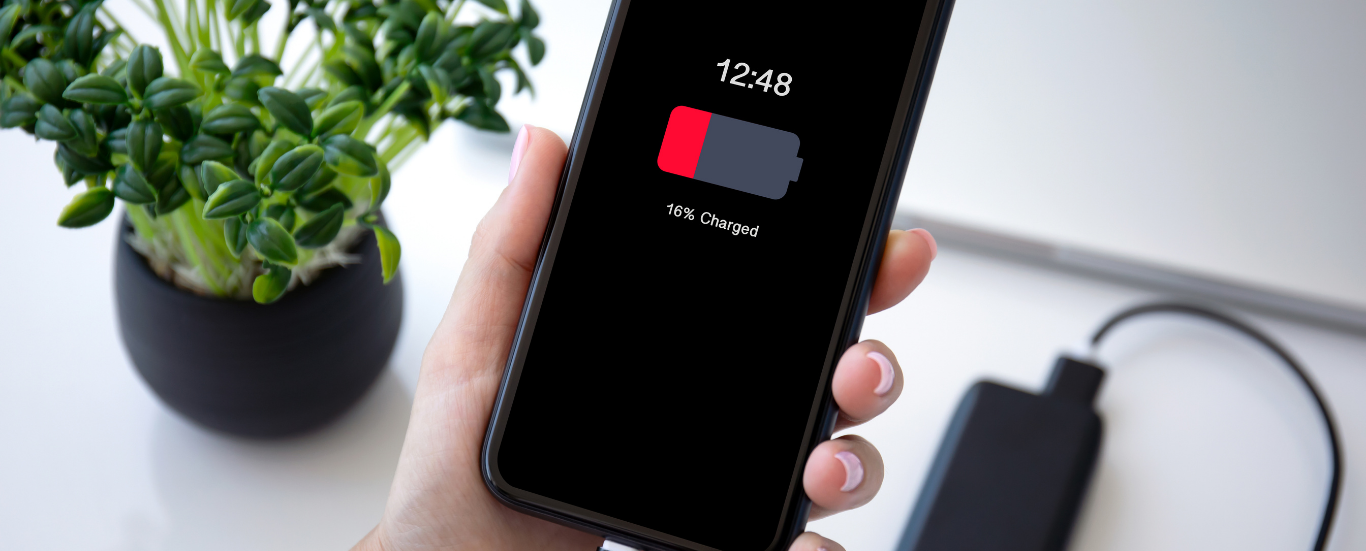
How to Make Your Smartphone Battery Last Longer
Cell phones have evolved far beyond simple communication tools. Today’s smartphones handle everything from entertainment and navigation to work and social media. But with all that functionality, battery life often struggles to keep up.
If your phone barely lasts through the day, a few simple changes to your habits and settings can make a noticeable difference.
Charge Your Battery the Right Way
Most smartphones use lithium-ion batteries, which perform best when kept partially charged. Unlike older nickel-based batteries, they don’t need to be drained completely before recharging.
To maintain good battery health:
- Try to keep your battery above 50% whenever possible.
- Avoid letting your phone drain to 0% repeatedly, as this can shorten its lifespan.
- Don’t leave your phone plugged in for long periods once it reaches 100%, especially while using it.
- Short, regular charges are better than one long session. Following this routine helps preserve your battery’s capacity over time.
Adjust Brightness, Vibration and Power-Saving Settings
Your display and vibration motor use a significant amount of power, but a few small adjustments can extend your battery life.
- Enable auto-brightness so your phone automatically adjusts the screen based on your environment.
- Reduce or disable vibration for notifications that aren’t essential.
- Use your phone’s power-saving mode. This feature limits background activity, slows down performance slightly, and turns off non-essential functions like Bluetooth, GPS or auto-syncing when the screen is off.
- Turning on power-saving mode can noticeably improve how long your phone lasts between charges.
Manage Location, Background Apps and Notifications
Many apps continue to run or update in the background, draining your battery without you realizing it.
- Turn off location services when you’re not using them. GPS tracking consumes a lot of energy, so only enable it when needed.
- Close unused apps through your phone’s usage menu. This prevents unnecessary background activity.
- Limit notifications and automatic syncing for apps that don’t need constant updates. Reducing background refreshes can help your battery last much longer.
Control Wi-Fi and Bluetooth
Wi-Fi and Bluetooth are useful features, but they constantly look for connections when left on, which drains your battery.
- Switch off Wi-Fi when you’re not browsing or connected to a network.
- Turn off Bluetooth after using wireless devices such as earphones or speakers.
- By disabling these features when they’re not needed, you can conserve a significant amount of power throughout the day.
Disclaimer
The above information is provided for general guidance only and may change without notice. Cellfixza is not responsible for any direct or indirect damages resulting from the use or reliance on this information.
If your phone’s battery life still seems unusually short even after following these steps, it might be time for a professional inspection or replacement. Visit Cellfixza, and our technicians can diagnose the problem and restore your phone’s performance.
0 Comments